
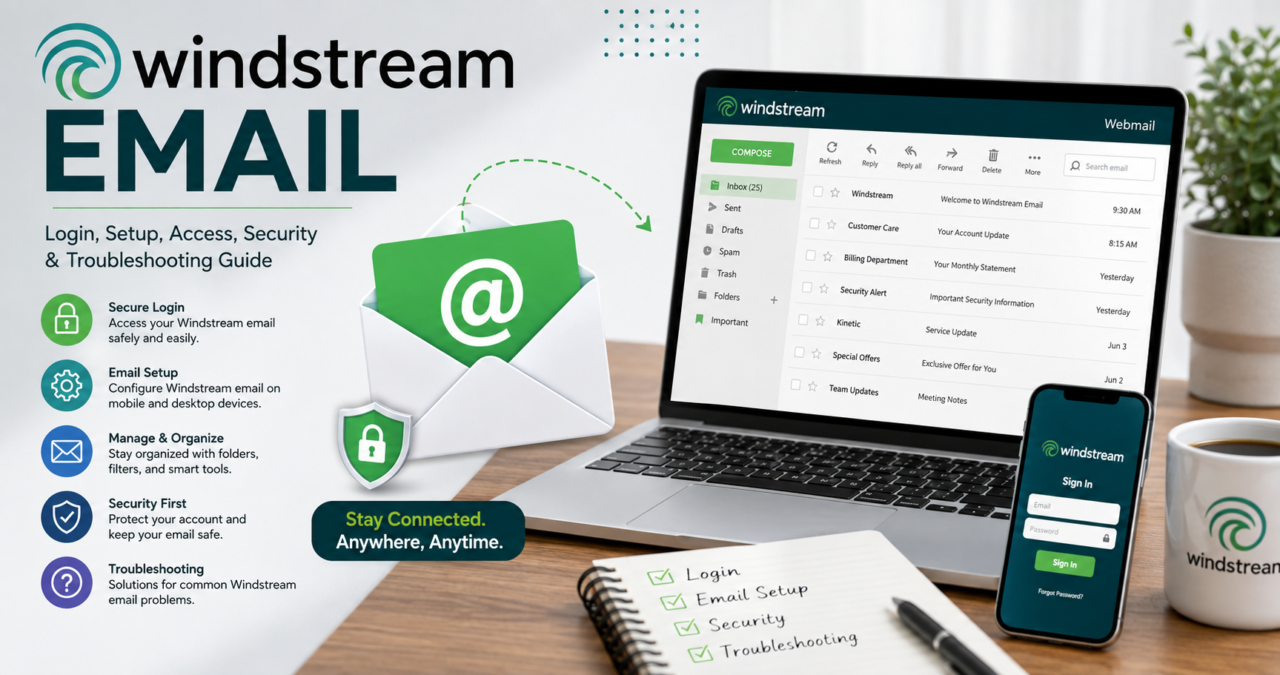

Windstream email remains a useful communication service for customers who have an existing Windstream email address. Although Windstream’s consumer internet business is now closely associated with the Kinetic brand, many long-time customers still use their familiar @windstream.net addresses for personal messages, account notifications, work-related communication, and everyday online activity. For these users, knowing how to access, manage, and troubleshoot Windstream email can make the experience much easier.
The good news is that Windstream email does not require complicated technical knowledge for everyday use. Existing customers can access their mailbox through the webmail portal, an email application on a phone, or a desktop email client. Kinetic’s official support documentation confirms that existing Windstream email users can access their messages through the webmail service or through compatible email applications.
What Is Windstream Email?
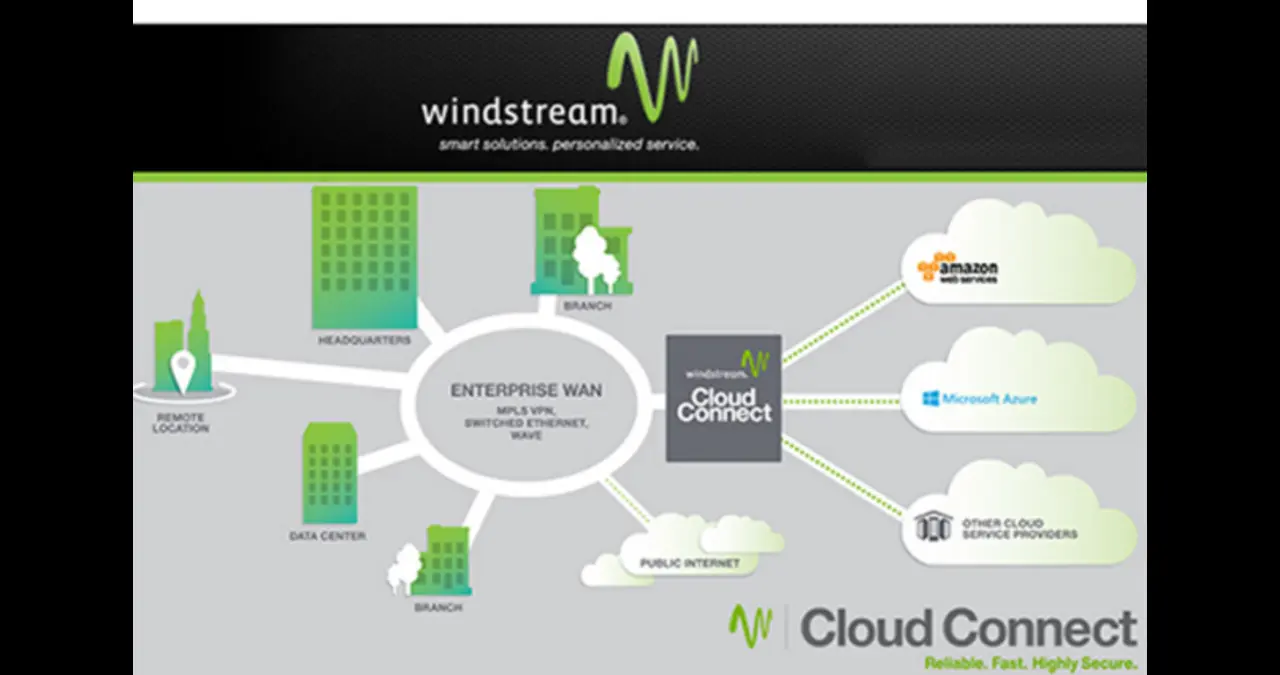
Windstream email is an email service associated with Windstream and its broadband customers. The service has traditionally provided customers with email addresses using the @windstream.net domain, allowing them to send and receive messages without relying on a separate public email provider. For many long-time subscribers, that address has become part of their regular digital identity.
Today, the service is supported through Kinetic, the consumer-facing broadband brand associated with Windstream. This transition can sometimes make the service look different from what customers remember, but an existing Windstream email address can still be used. Kinetic specifically states that customers can log in using their full current email address, including an @windstream.net address or certain legacy addresses that existed before the transition to Kinetic.
How to Access Windstream Email
The simplest way to access Windstream email is through the official webmail portal. Existing customers can go directly to the Windstream webmail page, where they can enter their email credentials and reach their inbox. Kinetic’s support documentation identifies the webmail portal as one of the supported ways to check an existing Windstream mailbox.
Customers can also reach their mailbox through the Go Kinetic account area. According to official support guidance, users can sign in to Go Kinetic, open the services area, and select the option for viewing and managing email. This route can be particularly helpful when someone needs to manage account-related email settings rather than simply read incoming messages.
Windstream Email Login Explained
The Windstream email login process is straightforward when the correct credentials are available. Users generally need their complete email address and the password associated with the mailbox. It is important to enter the full address rather than only the portion before the email symbol because the complete address is used as the account identity.
If you are logging in after a long period away, make sure the browser is using the correct webmail page and that your password is entered carefully. Saved passwords can sometimes become outdated, particularly if the password was changed previously. If the login continues to fail, using the official password recovery process is safer than repeatedly guessing credentials.
Why Your Windstream Email Login May Fail
A failed Windstream email login can happen for several ordinary reasons. An incorrect password is one of the most common causes, but an incorrect username, an outdated saved password, browser problems, or an account that has become inactive can also prevent access. Checking the credentials carefully before changing anything can save time.
Account inactivity is another issue worth understanding. Kinetic states that email accounts without Webmail, POP, or IMAP activity for an extended period can move into an inactive status and become inaccessible to the end user. Customers encountering this situation are directed toward support through the Go Kinetic portal.
How to Reset a Windstream Email Password
If you have forgotten your Windstream email password, the official recovery process is the best place to start. Kinetic provides password recovery through the Go Kinetic account area, where customers can access email management and follow the prompts for resetting their credentials. The company also provides a route through the Windstream website by selecting the email-related option and following the recovery instructions.
A password reset is also a good opportunity to improve account security. Avoid using an easy-to-guess password based on your name, address, birthday, or another piece of information that someone could easily discover. A strong password should be unique to the email account and should not be reused across unrelated websites.
How to Set Up Windstream Email on a Phone
Windstream email can be configured on compatible mobile devices using the device’s built-in email application. Kinetic’s official setup guidance explains that Android users can add an email account through the device’s account settings and enter their email address and password. On Apple devices, the email account can be added through the Mail account settings.
For many modern devices, the setup process can automatically identify the appropriate configuration after the email address and password are entered. If automatic configuration does not work, manual settings may be required. In that situation, using the official server information is important because entering unrelated mail servers can prevent the account from connecting correctly.
Windstream Email Settings for Email Apps
Email applications need server information to communicate with the mailbox. Kinetic’s official documentation identifies imap.windstream.net as the incoming IMAP server and smtp.windstream.net as the outgoing SMTP server. The documentation also explains that the full email address should be used as the username and that outgoing server authentication should be enabled.
IMAP is generally the preferred incoming-mail method when you want messages and mailbox activity to remain synchronized across several devices. This is useful when someone reads an email on a phone and later wants the same mailbox state to appear on a computer. Using the correct authentication and security settings is essential for reliable sending and receiving.
Windstream Email and IMAP
IMAP is designed to keep email stored on the mail server synchronized with compatible email applications. This makes it a practical choice for people who access the same mailbox from a phone, computer, or web browser. Instead of treating every device as a completely separate mailbox, IMAP helps keep the inbox and folders aligned.
Kinetic recommends IMAP for incoming email configuration in its support documentation. The official settings list imap.windstream.net as the incoming server, with secure IMAP using the appropriate encrypted connection. Customers setting up an application manually should follow the current provider instructions rather than copying settings from an unrelated email service.
Windstream Email and SMTP
SMTP handles outgoing email. When you send a message through an email application, the application communicates with the outgoing mail server so the message can be delivered to its recipient. For Windstream email, Kinetic identifies smtp.windstream.net as the outgoing server.
One common setup mistake is forgetting outgoing authentication. Kinetic’s support material explains that the outgoing server requires authentication and that the same email credentials can be used for authentication. If incoming messages work but outgoing messages fail, checking the SMTP server and authentication settings should be one of the first troubleshooting steps.
Windstream Email on a Computer
A desktop computer can provide another convenient way to manage Windstream email. Depending on the email application being used, the account may configure automatically after the complete email address and password are entered. If automatic configuration fails, the account can generally be configured manually using the provider’s incoming and outgoing server information.
Kinetic’s documentation provides setup guidance for several email applications and operating environments. While some of those applications are older, the underlying requirements remain useful: the account needs the correct email address, password, incoming server, outgoing server, and authentication settings.
Why Windstream Email May Stop Receiving Messages
When Windstream email stops receiving messages, begin with simple checks. Confirm that the mailbox is accessible through webmail and verify whether the problem affects every device or only one application. If webmail works normally but a phone or computer does not receive new messages, the issue is more likely to involve that application’s configuration.
Storage, connection problems, incorrect account settings, and synchronization issues can also affect incoming messages. Checking the spam or junk folder is worthwhile because legitimate messages can occasionally be filtered. If messages are missing across both webmail and email applications, account status and provider-side issues deserve closer attention.
Why Windstream Email May Stop Sending Messages
Outgoing email problems are often connected to SMTP configuration. If messages remain stuck in an outbox, verify that the outgoing server is set correctly and that authentication is enabled. Kinetic’s documentation specifically lists smtp.windstream.net for outgoing email and explains that authentication is required.
It is also useful to check the recipient’s address and the size of the attachment. Sometimes an email appears to be a technical problem when the real issue is an invalid recipient address or an attachment that the mail system cannot process. Testing with a simple message containing only text can help identify whether the problem is related to the message itself.
Windstream Email Security Tips
Email security matters because an email account can be connected to many other online services. If someone gains unauthorized access to the mailbox, they may be able to view private conversations, search old messages, or attempt password resets for other accounts. For that reason, protecting Windstream email should be treated as part of your overall digital security routine.
Use a strong and unique password and avoid sharing it with other people. Be cautious with unexpected messages that ask you to click a link, provide personal information, or confirm account credentials. When an email appears suspicious, visiting the official Windstream or Kinetic website directly is safer than clicking an unfamiliar link inside the message.
How to Recognize Windstream Email Scams
Phishing messages often imitate familiar companies and attempt to create urgency. A fraudulent email may claim that your account will be closed, that a payment failed, or that you need to verify your password immediately. The goal is usually to make you act quickly without checking whether the message is legitimate.
A reliable approach is to avoid entering your credentials through links in unexpected messages. Instead, open your browser yourself and navigate to the official provider website or webmail portal. If an email claims there is a problem with your account, verify the information through the official account area rather than trusting the message alone.
Can You Still Create a New Windstream Email Address?
This is an important point for people searching for Windstream email because they may assume that an existing customer can simply create a new address whenever needed. Kinetic’s official support page says that it is no longer creating new @windstream.net email addresses for customers who do not already have one. Existing users can continue using their established addresses, but new customers should not assume that a new Windstream email address will be available.
For customers who need a brand-new mailbox, Kinetic’s support documentation suggests using another established email provider. This means Windstream email is primarily relevant today to people who already have a Windstream mailbox and want to continue managing it effectively.
Legacy Windstream Email Addresses
Some customers may have email addresses that were associated with older brands or services before the transition to Kinetic. This can create confusion during login because the address may not use the familiar Windstream domain. Kinetic confirms that customers can use their full current email address, including certain legacy addresses such as those associated with Alltel, CTC, and Valornet.
If you have an older address and are unsure whether it remains connected to your service, avoid creating a replacement account before checking your existing account information. The original address may still be valid, and changing email addresses unnecessarily can create extra work when updating contacts, subscriptions, and account recovery information.
Keeping Windstream Email Organized
A well-organized mailbox is easier to maintain and more secure. Delete messages you no longer need, archive important conversations, and use folders for information that you expect to reference later. This becomes especially useful when an email account has been active for many years and contains a large collection of personal or service-related messages.
It is also a good idea to periodically review subscriptions and promotional messages. If a newsletter is no longer useful, unsubscribe through a legitimate link or the service’s official website. Reducing unwanted email makes it easier to notice important account notifications and suspicious messages.
Windstream Email on Multiple Devices
One of the advantages of using a modern email setup is being able to access the same mailbox from multiple devices. A customer might use webmail at work, a phone while traveling, and a desktop application at home. With an appropriate IMAP configuration, these access points can remain synchronized.
When setting up several devices, use the same correct account credentials and provider server information. If one device suddenly behaves differently from another, compare its settings rather than changing everything at once. This method makes it easier to identify which configuration is causing the problem.
What to Do When Windstream Email Is Not Working
When Windstream email is not working, start with the simplest possible diagnosis. Try signing into webmail directly. If webmail works, the account itself is probably accessible and the problem may be related to the application, device, or configuration. If webmail also fails, password recovery, account status, or provider support may be more appropriate.
Checking your internet connection is another basic but useful step. Email applications require a functioning network connection, and temporary connectivity problems can make a healthy mailbox appear broken. Restarting the application and checking for pending updates can also resolve ordinary software issues without requiring complicated changes.
Windstream Email Support Options
Customers who cannot resolve an account problem through normal troubleshooting can use official Kinetic support channels. Kinetic’s sign-in assistance page provides options for forgotten usernames, forgotten passwords, and account unlocking, along with customer-care contact information.
Using official support is especially important when the problem involves account ownership, password recovery, or an inactive mailbox. Avoid third-party websites that claim they can recover an email account in exchange for payment or personal credentials. Account recovery should always be handled through the provider’s official channels.
Common Mistakes to Avoid With Windstream Email
One of the most common mistakes is using an incomplete email address during login or account configuration. Kinetic specifically instructs customers to use their full email address when signing in. Entering only the username portion can cause authentication problems.
Another mistake is copying mail-server settings from a random website. Email configurations can change, and instructions written for another provider will not necessarily work with Windstream email. The safest approach is to use the provider’s official documentation for incoming and outgoing server information and security settings.
Is Windstream Email Still Useful?
For existing customers, Windstream email can still be useful because changing a long-established email address can be inconvenient. People may have used the same address for years across banking notifications, shopping accounts, newsletters, social platforms, personal contacts, and other services. Keeping the existing mailbox accessible can therefore be valuable.
At the same time, customers should understand the current limitations of the service. Kinetic’s official support documentation says that new Windstream.net addresses are no longer being created. That makes the service more of a continuing benefit for existing users rather than a new standalone email platform for everyone.
Final Thoughts on Windstream Email
Windstream email continues to matter to customers who already rely on their existing Windstream mailbox. The service can be accessed through webmail, mobile email applications, and desktop clients, while Kinetic provides official instructions for configuration and troubleshooting. Understanding the correct login process and mail-server settings can prevent many of the problems users encounter.
The most important habit is to use official resources when managing the account. Whether you are trying to access Windstream email, reset a password, configure an email application, or investigate a login problem, official Kinetic guidance should be your starting point. Existing users can continue managing their established addresses, while anyone looking for a brand-new Windstream.net address should be aware that new addresses are no longer being created.
Conclusion
Windstream email remains a practical service for customers who already have an established mailbox. While the branding and account-management experience have evolved alongside Kinetic, existing users can still access their messages through webmail and supported email applications. With the correct login credentials, server configuration, security habits, and recovery options, managing the account can be straightforward.
The key is to rely on official information rather than outdated setup guides or questionable third-party websites. Whether you need everyday access, mobile configuration, desktop setup, password recovery, or troubleshooting, understanding how Windstream email works gives you a much smoother experience and helps protect the information stored inside your mailbox.
Frequently Asked Questions About Windstream Email
How do I access Windstream email?
Existing customers can access Windstream email through the official webmail portal or through the Go Kinetic account area. You can also configure the mailbox in a compatible phone or desktop email application using the appropriate account credentials and server settings.
Can I still create a new Windstream.net email address?
According to Kinetic’s current support documentation, new @windstream.net email addresses are no longer being created. Existing customers with established addresses can continue using their mailboxes, subject to account status and provider policies.
What is the Windstream incoming mail server?
For IMAP configuration, Kinetic identifies imap.windstream.net as the incoming mail server. The provider recommends IMAP for incoming email and provides secure connection information in its setup documentation.
What is the Windstream outgoing mail server?
The outgoing SMTP server listed in Kinetic’s official email configuration documentation is smtp.windstream.net. Outgoing authentication should also be enabled when configuring an email application.
What should I do if I forget my Windstream email password?
Use the official Kinetic email management or password recovery process rather than relying on third-party recovery websites. Kinetic provides password-reset instructions through Go Kinetic and the Windstream website.
YOU MAY READ ALSO
Windstream Email: Login, Setup, Settings & Troubleshooting Guide